Blueprints
Blueprints let you turn a good process into a repeatable MapleOS workflow. The emphasis is not just speed, but visibility: people should be able to inspect a flow, understand what it does, and decide how much autonomy it deserves.
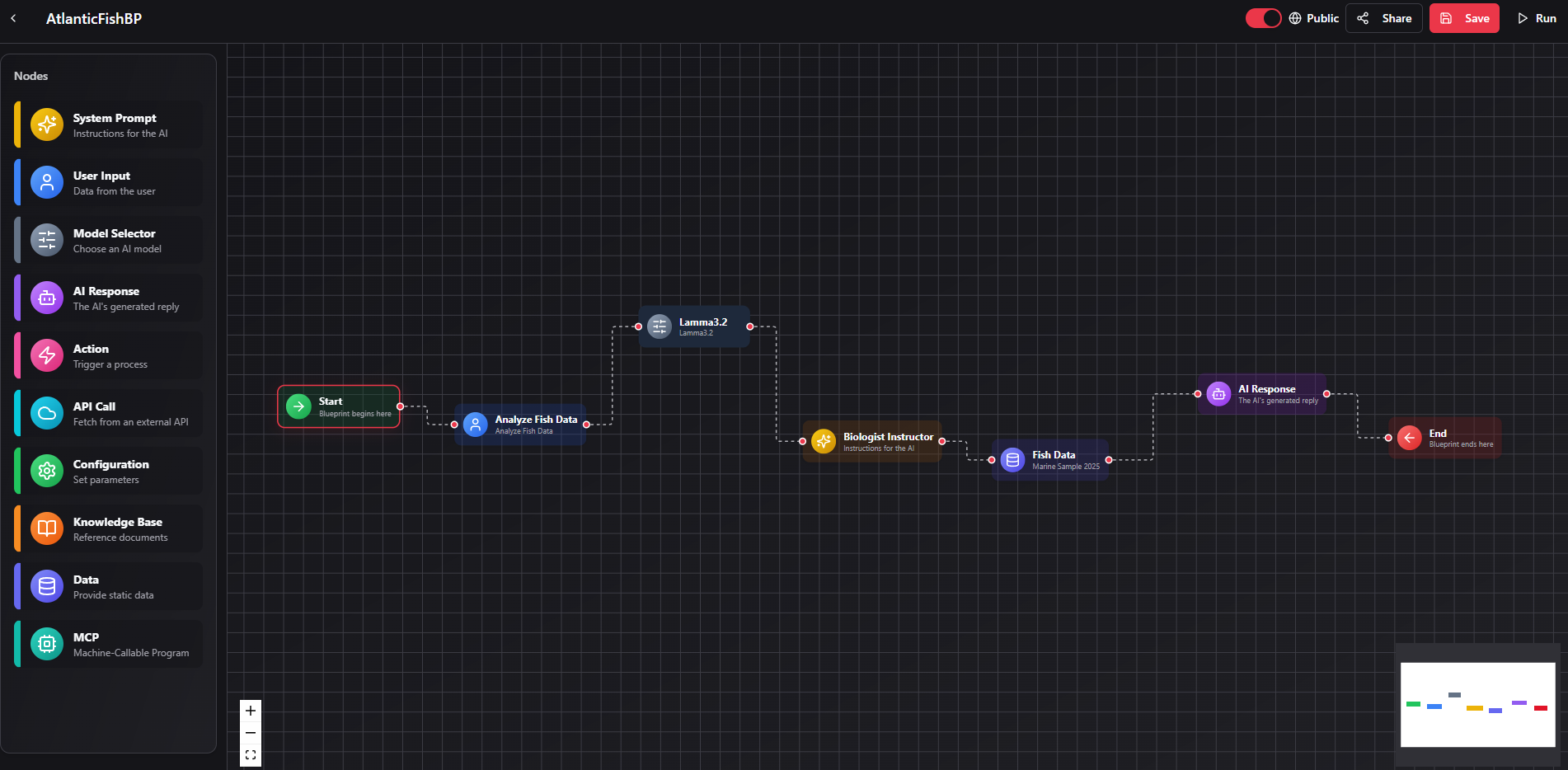
The blueprint shown above demonstrates a structured flow for analyzing data with human-readable steps, grounded context, and a clear execution path from input to outcome.
Safe by design
Prefer explicit inputs, clear outputs, and visible actions. Important workflows should be easy to review before and after a run.
Grounded when needed
Bring in knowledge libraries or structured data when accuracy matters more than raw creativity.
Human checkpoints
Keep approval steps in the loop for actions that affect files, messaging, or shared work.
Available node types
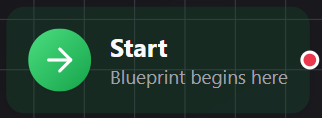
Start
Every blueprint begins with an explicit entry point.
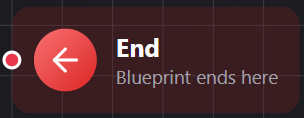
End
Close the flow clearly so outputs and actions stay reviewable.
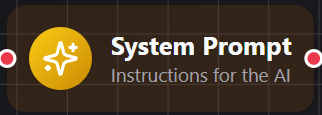
System Prompt
Set the operating instructions for how the workflow should behave.
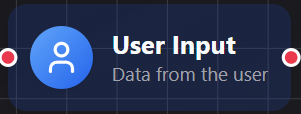
User Input
Collect the user input that should guide the rest of the run.
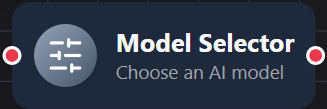
Model Selector
Choose the MaplePT runtime or model behavior for the task at hand.

AI Response
Produce the generated output that the user will review or reuse.
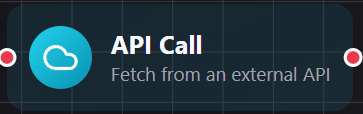
API Call
Connect to an external system when a workflow genuinely needs live data or actions.
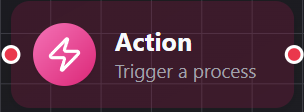
Action
Trigger a visible step in your workflow or app flow.
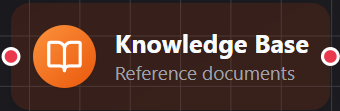
Knowledge Base
Ground the workflow in selected documents and private reference material.
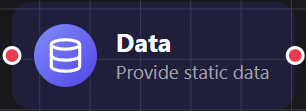
Data
Provide constants, defaults, or structured values that keep runs predictable.
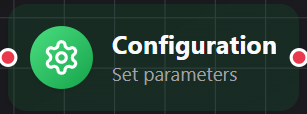
Configuration
Adjust runtime behavior and execution settings for the flow.
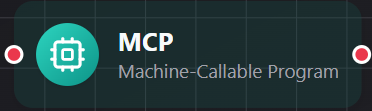
MCP
Invoke machine-callable services for structured automation when that level of power is appropriate.
Good blueprint habits
- Start simple. Build the shortest flow that proves the pattern before you add branches and extra actions.
- Keep secrets out of public flows. Sensitive credentials and high-trust actions should stay in protected configuration, not inside a shared blueprint.
- Name nodes clearly. Future-you and collaborators should be able to read the workflow like a process map.
- Use review steps for important actions. Transparent automation is usually safer and easier to improve.